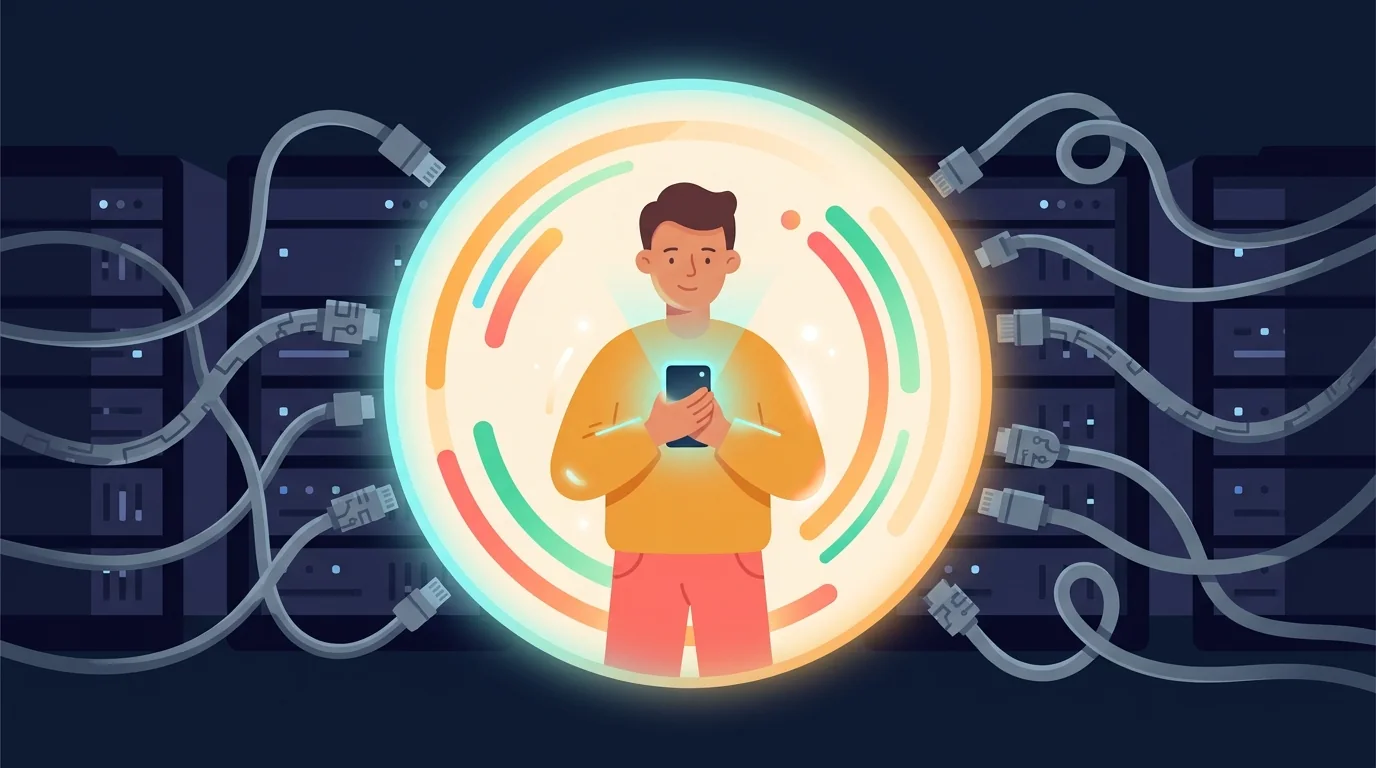
You have probably tapped through this screen a dozen times: a friendly shield icon, the words "bank-level security," and a button that says Connect your account. It takes 4 seconds. Whether bank linking is actually safe takes a lot longer to answer, and that screen is not where anyone answers it.
Linking your bank is not evil, and this is not a scare piece. But tapping a shield icon is not the same as knowing what you agreed to, and your transaction history says more about your life than almost any other record you have.
This article walks through where your data actually goes, who else ends up holding a copy, and how to check what you have already connected.
Is it safe to link your bank to a budgeting app?
The connection itself is usually encrypted, so your data is safe while it travels. Most of the risk sits with the copies: a middleman company and the app each keep one, and each copy can be broken into, shared, or kept after you leave.
The part the shield icon skips
When you "connect your bank" to a budgeting app, you're almost never connecting to your bank. You're connecting to a data aggregator: a middleman company (Plaid, Yodlee, Finicity, and a handful of others, depending on your country) whose business is moving financial data between banks and apps.
So the real data flow looks like this: your bank → the aggregator → the app. Three parties, three privacy policies, three places your data now lives. The app's marketing says "we use bank-level encryption," which is true of the connection itself and says nothing about what each of those three companies does with the copy it keeps.
What do they hold? Usually every transaction (amount, merchant, date, category), your balances, your account details, and often enough history to piece together years of your life. Where you sleep (rent), how you eat (the deliveries and the supermarket), who matters to you (the transfers you make every month), what you're worried about (the pharmacy, the clinic). Your spending history is a diary that never learned to lie.
The business model question
One question cuts through every privacy policy: if the app is free, who is paying for the aggregator fees and the engineers?
There are three usual answers. The first is selling "anonymized" spending data to hedge funds, marketers and researchers. The second is "personalized offers", where your own data decides what rate you get quoted on a loan or a card. The third is being bought, with your transaction history counted as part of what the buyer is paying for. Sometimes it is all three.
In 2023 the privacy company Incogni, which sells a data-removal service, checked 20 popular budgeting apps for Android: 60% said on their own Google Play pages that they share some of your data with third parties.
The best-known example is Mint: free to use, millions of linked accounts, and a business that earned from referrals and offers rather than from the budgeting. Intuit shut it down, and the people using it found out what the free bargain had been.
"Anonymized" deserves its own asterisk. Spending data is easy to trace back to a person: a few shops, on a few dates, at a few times, and there is only one person it can be. The pattern identifies you as well as your name would.
Even with perfect intentions
Suppose the app and the aggregator are run by people with the best intentions. There are still 4 problems:
- Copies are permanent. Turning off access stops new data going out. It does not take back what has already gone, which stays as long as that company's rules allow.
- More places to be broken into. Every company holding your data is a target. You can't be in a breach at a company that holds nothing of yours.
- The terms change. The policy can be rewritten, and the company you trusted can be bought by one you wouldn't have. You said yes once, in 4 seconds, and it covers every change since.
- You may still be handing over your password. In much of the world, linking still means typing your real banking password into another company's form, which your own bank's terms often forbid.
There is a version of this that involves none of it. Wealth Mutant, a personal finance app, has never asked a bank for anything: you note what you spend yourself, in a few seconds, so there is no login to hand over and no copy sitting with an aggregator. You pay for it once.
Ready to take control?
See your budgets, cards, loans and net worth in one place. One payment, yours for life.
Buy — $99 onceThe audit, and the alternative
If you use bank-linked apps, here is a 15-minute check you can run on them:
Name the middleman
Find which aggregator the app uses (it's in the connection screen's fine print). Then skim that company's privacy policy, because it's the one that covers the copy they keep.
Answer the business-model question
Free app? Find the sentence in the policy that starts with "we may share…". That is what you are paying.
Prune old connections
Your bank's security settings list connected services. Most people find apps they deleted years ago, still authorized. Turn them off. Remember that this stops new data going out; it doesn't remove what is already there.
Ask for your file, and for it to be deleted
Most privacy laws give you the right to ask a company what it holds on you and to ask it to delete that. The aggregator counts too, not only the app you signed up with. The reply itself is useful: you find out how much of your life a company you never chose has been keeping.
It's worth remembering that none of this is compulsory: there are budget apps that never ask for your bank login. The only thing bank linking really buys you is not having to type in your own purchases. That is about 2 minutes a day, and it costs you the very thing that makes tracking work.
Typing it in yourself changes the privacy question completely. What you never hand over can't be sold on. You type what you spent, and there is no aggregator, no banking password to give away, and no copy of your bank history sitting at a company you've never heard of. The most sensitive thing an app like that holds is what you chose to write in it.
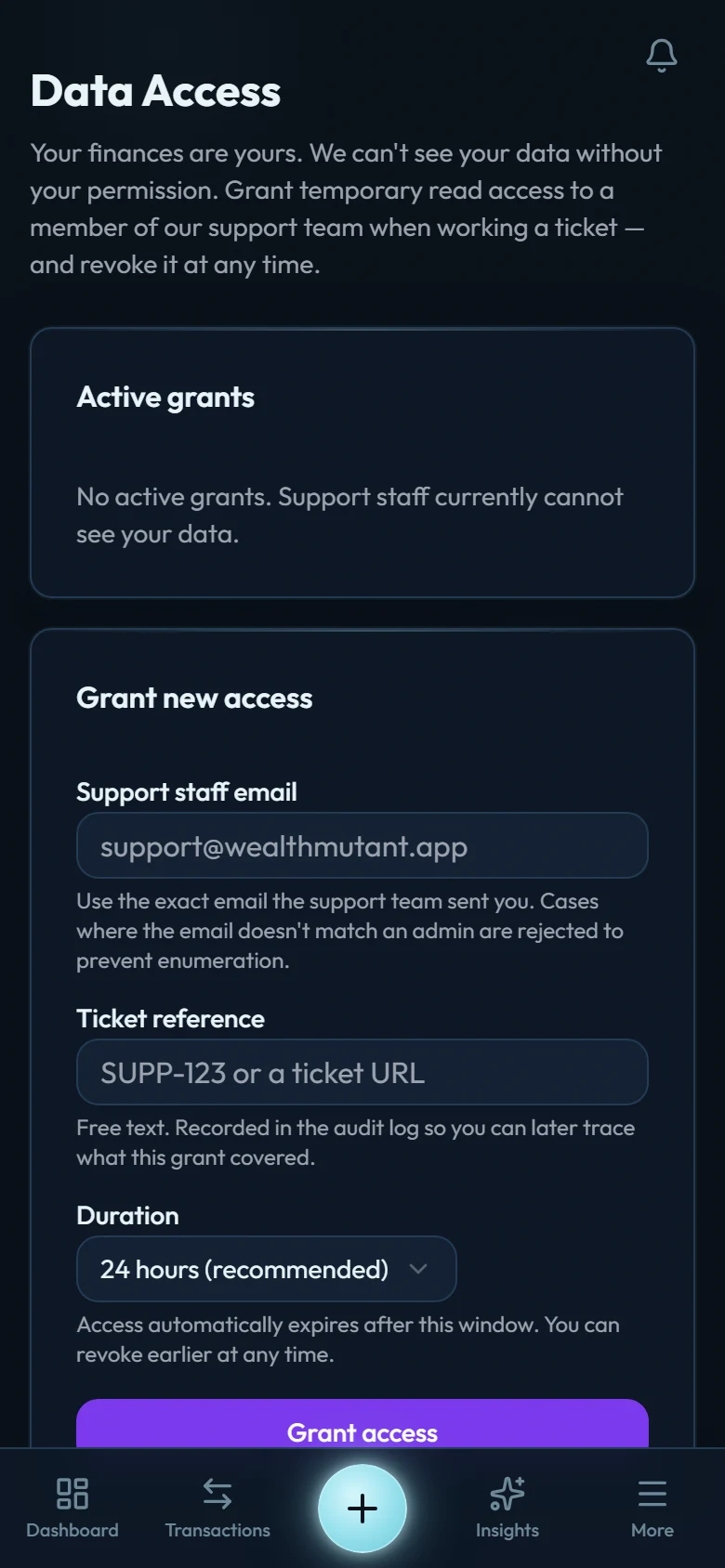
That is what Wealth Mutant is built on: it is a personal finance app, built privacy-first, that has never had a connect-your-bank screen. You record what you spend yourself, in a few seconds, and everything the app shows you is worked out from those entries. See what that looks like, or read what the app holds and what it cannot see.
4 seconds and a shield icon, or a diary that stays yours. Either way, you now know what the choice actually is.