AI Chat is a financial assistant that knows your numbers. Ask it "what's my net worth?", "what did groceries cost me in May?", or "which loan should I prepay first?" It answers from your actual accounts, transactions, loans, and goals, not from generalities.
How it works
When you ask something, the assistant starts from a live summary of your finances: balances, net worth, loans, goals, recent trends. For questions that need more, it looks deeper into your data (you'll see an "Analyzing your data…" indicator while it does). All lookups are read-only: chat can see your finances; it can never modify them.
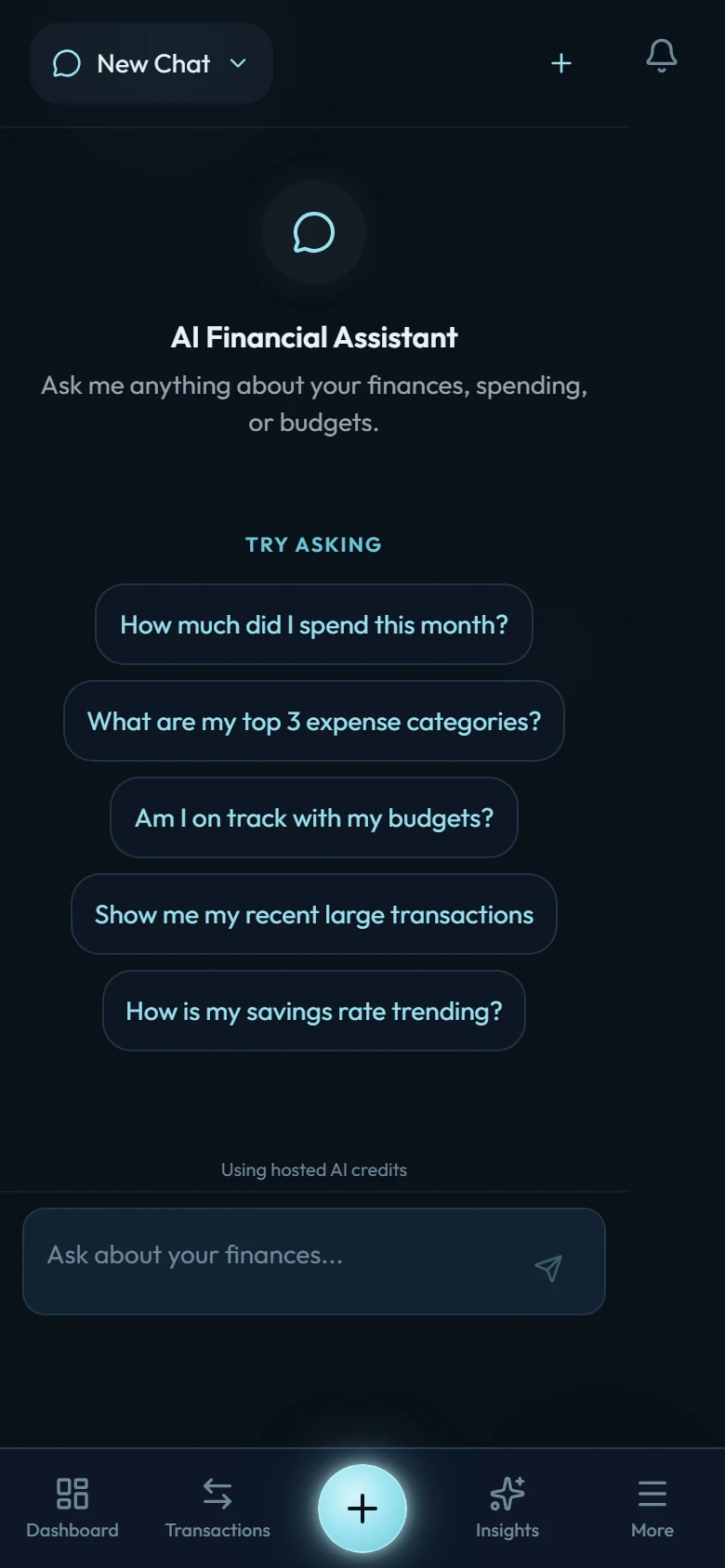
AI Chat is a paid feature. It activates when you buy Wealth Mutant (it isn't part of the free trial). There are two ways to power it:
- Hosted credits: the zero-setup path. Your purchase includes $5 of AI credits and turns hosted chat on automatically, so you can start asking questions right away. Each conversation costs a few cents against that balance, and you can top up in Settings → AI Settings, where a full usage ledger shows exactly what each exchange cost.
- Bring your own key: plug in your own Anthropic API key and usage bills to your key instead. The key is encrypted at rest (AES-256), never logged, and never shown again after saving. A weekly token budget keeps a runaway session from surprising you.
Switch between modes anytime in Settings → AI Settings.
Privacy
Your financial context is sent to the AI provider only when you send a message, only for that conversation, and it isn't used to train models. Conversations are yours: review them in the chat sidebar and delete any of them anytime. If you use your own API key, removing it in Settings → AI Settings also offers to wipe all AI conversations and data in one step.