Manual tracking has one honest failure mode: life gets busy and entries stop. Catch-up is the recovery path: a statement upload that fills only the gaps, so falling behind costs minutes, not a fresh start.
Step by step
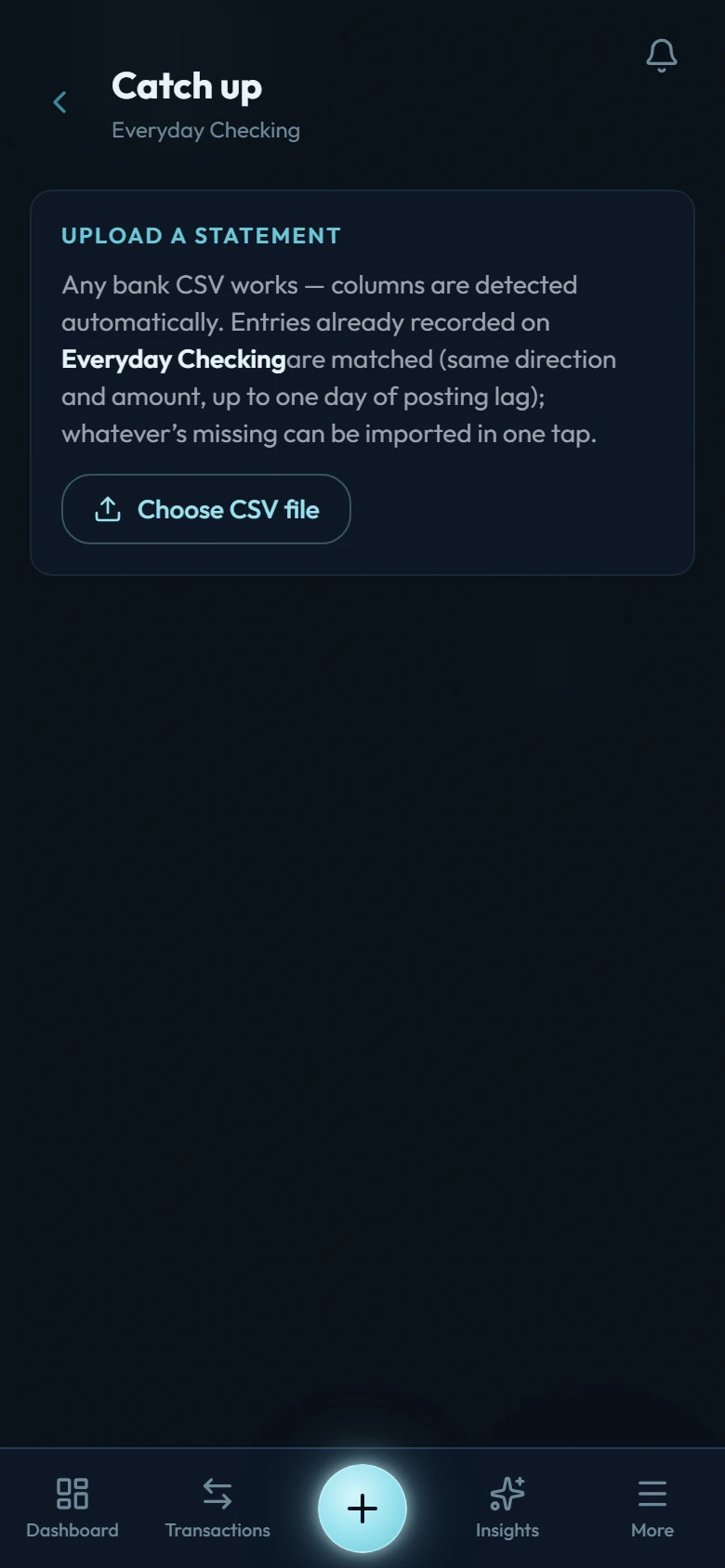
Open the account and choose Catch up
It lives on the account's detail page.
Upload a statement CSV
Download one from your bank for the missing period. Columns are detected automatically for common statement layouts.
Wealth Mutant finds the gaps
Every statement row is compared against what the account already has, matching on date, amount, and direction, with a one-day tolerance for banks that post on a different day than you spent.
Review the verdict
You'll see "N already recorded · M new." The already-recorded rows are locked (nothing gets duplicated); the new ones are listed for import.
Import the missing entries
They arrive uncategorized. Categorize the ones that matter, skip the ones that don't.
Verify to the last decimal
After catching up, use Verify balance on the account: type what your bank shows, and Wealth Mutant confirms the match to the exact unit, or shows the difference and offers an adjustment: a new entry with the difference filled in, ready to save. See Accounts and opening balances.
When to use which import
- Catch-up: one account, a gap in an otherwise-tracked history.
- Template workbook: moving in from another app, or bulk history across many accounts.