Your data is yours, in both directions. Everything you've recorded exports on demand from Settings → Export: no support ticket, no waiting period, no lock-in.
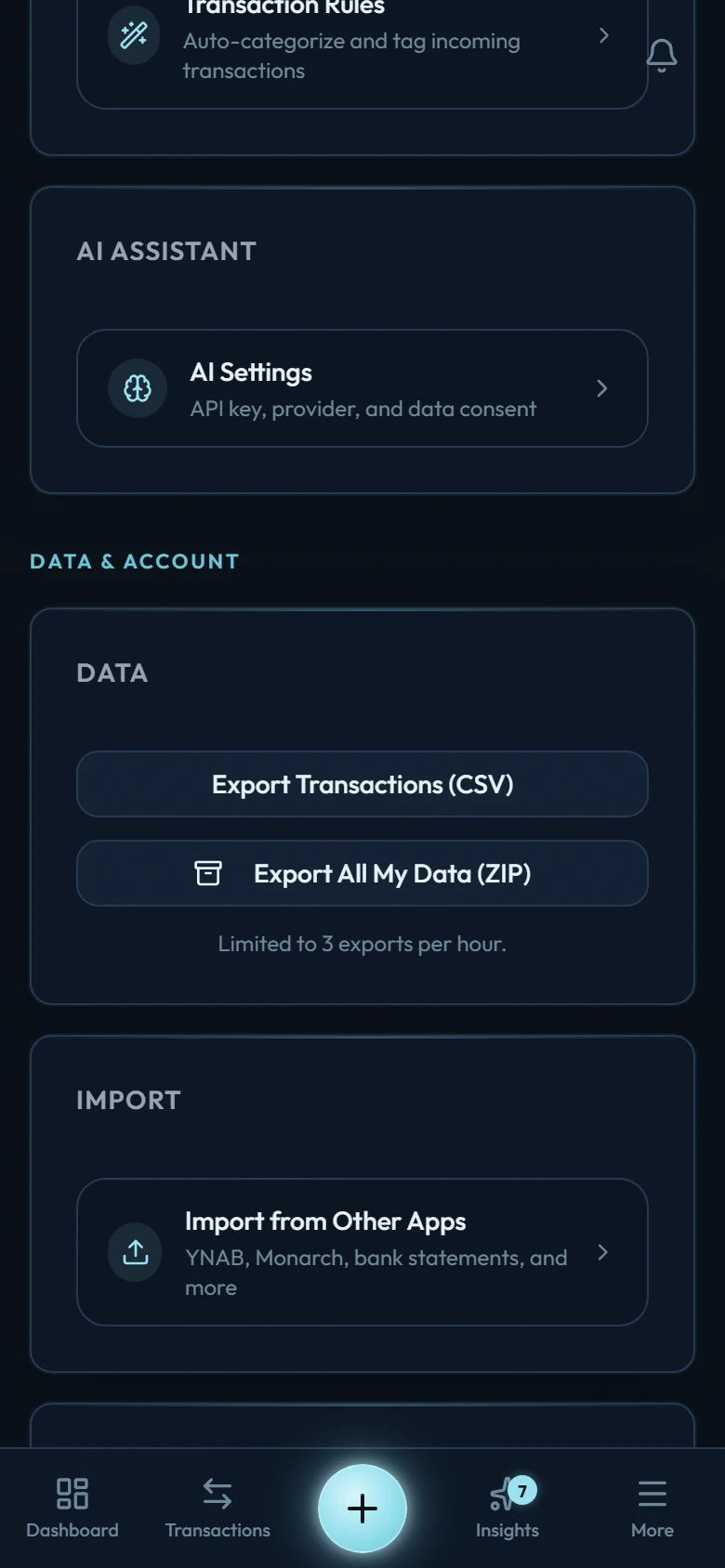
Export Transactions (CSV)
One file, one row per transaction: dates, amounts, types, accounts, categories, descriptions, notes, and tags. Opens in any spreadsheet app; useful for a year-end review with an accountant or just your own analysis.
The category column holds the category's own name, not its full path — a row filed under Food & Dining → Groceries reads simply "Groceries". Worth knowing on two counts: if you keep a spreadsheet keyed on those names, it won't notice when you rename or move a category, and if you ever import an old export back, names are how each row finds its category again.
Export All My Data (ZIP)
The complete picture: your profile settings, accounts, transactions, categories, budgets, goals, bookmarks, and recurring rules, each as a structured file inside one ZIP. This is the export to keep as a personal archive: everything the app knows, in a form other software can read.
Open Settings and tap Export
It is the last row under Your money. Both export buttons open with it.
Pick your export
CSV for transactions alone; ZIP for everything.
Save the file
Generation takes a few seconds; the download lands wherever your device saves files.
Round-trip honesty: what exports here imports back through the template workbook, including into a fresh account, if you ever want a clean start.