Your net worth usually isn't all in one currency, or even all in currency. Wealth Mutant tracks investment accounts like any other account. It can also denominate an account in a different currency, a metal, a cryptocurrency, or something entirely your own.
Investment accounts
Create an account with the investment type and give it an opening balance: your brokerage, retirement, or fund account. Record contributions as transfers in, withdrawals as transfers out. Contributions also count toward the Mutation Path's investing levels (see the level guide).
Multi-asset accounts
Settings → Currencies & Assets manages what accounts can be denominated in:
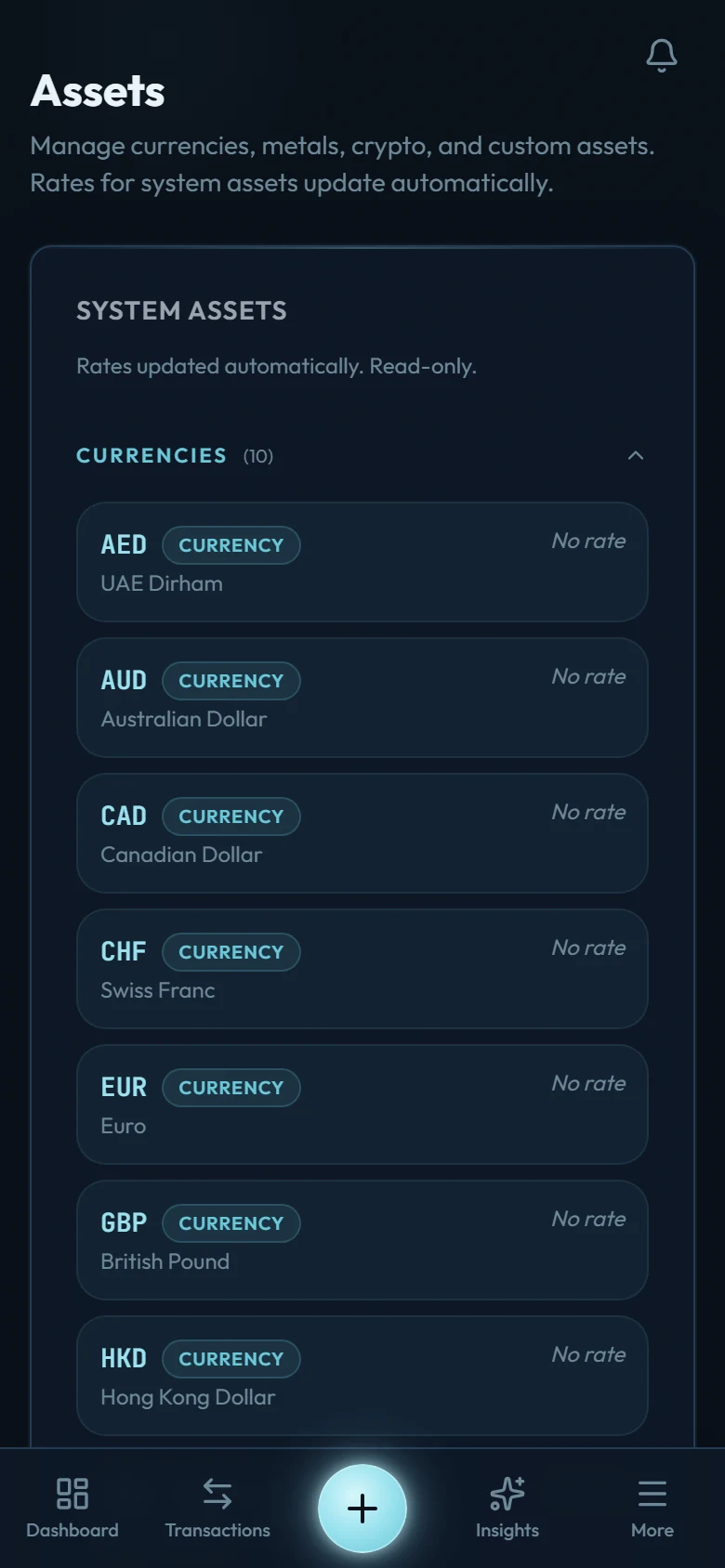
- System assets: major currencies, metals, and crypto. Pick one when you create the account, then give it a rate against your home currency. Wealth Mutant never guesses a price: an account whose unit has no rate for today reads as unknown rather than as a wrong number, and it says so on the accounts screen.
- Custom assets: anything else you want to track (a fund unit, a collectible, an unlisted holding). You define it and give it a rate the same way. Update any rate whenever you like; a weekly reminder tells you which ones have gone stale.
An account denominated in an asset keeps its own balance in that asset, and converts into your base currency for net worth and reports — so a savings account abroad or a gold holding sits honestly inside the same total as your checking account.