Notifications exist to be useful exactly when needed and silent otherwise. Every type has its own switch, and your lock screen never learns your numbers.
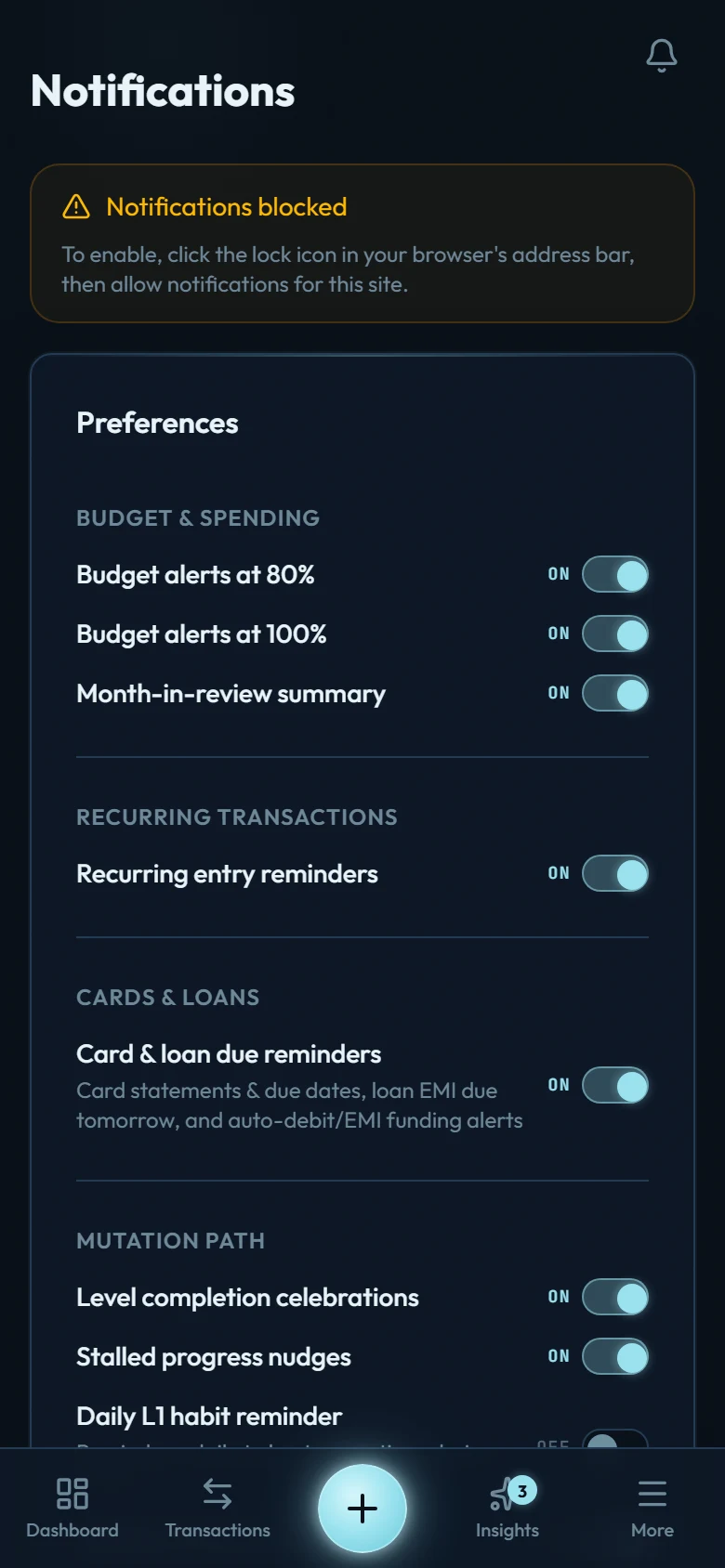
The notification types
- Budget alerts: a budget crossed 80%, and again at 100%. Early enough to steer.
- Recurring reminders: an upcoming scheduled entry (rent, subscriptions) is approaching; a rule that could not post tells you so.
- Card and loan due reminders: statement ready, payment due, money still owed after a due date, auto-debit funding checks, and a note when an auto-debit payment is recorded or can't be. Turning them off silences all of these, the auto-debit notes included, and never stops an auto-debit from being recorded.
- Weekly digest: your week's summary landed in Smart Insights.
- Month in review: last month's review is ready.
- Loan interest: the monthly interest summary, as a card and a notification.
- Level completed: you finished a Mutation Path level. Worth celebrating.
- Goal reached: a goal hit the target you set for it. Once per goal.
- Streak at risk / stalled nudge: gentle reminders when your tracking habit is slipping; reassurance, never guilt.
- Account notices: a support request to view your data, an import that stalled, a rule paused because its account closed. These arrive whether or not push is on.
Push notifications never carry amounts, and no email we send shows an amount from your accounts. The bell inside the app is different: it sits behind your login, so a card reminder there can say how much is still owed. Email is reserved for your account and payments (receipts, security notices, your trial ending, a deletion you asked for); alerts and reminders travel by push and the in-app bell.
Setting them up
Allow notifications once
The browser (or installed app) asks for permission the first time you enable any type.
Toggle the types you want
Settings → Push Notifications: each type has its own switch; start with budget alerts and recurring reminders.
Register the devices you want
Each phone or desktop that should receive notifications registers once from Settings → Push Notifications. The Test button confirms it worked.