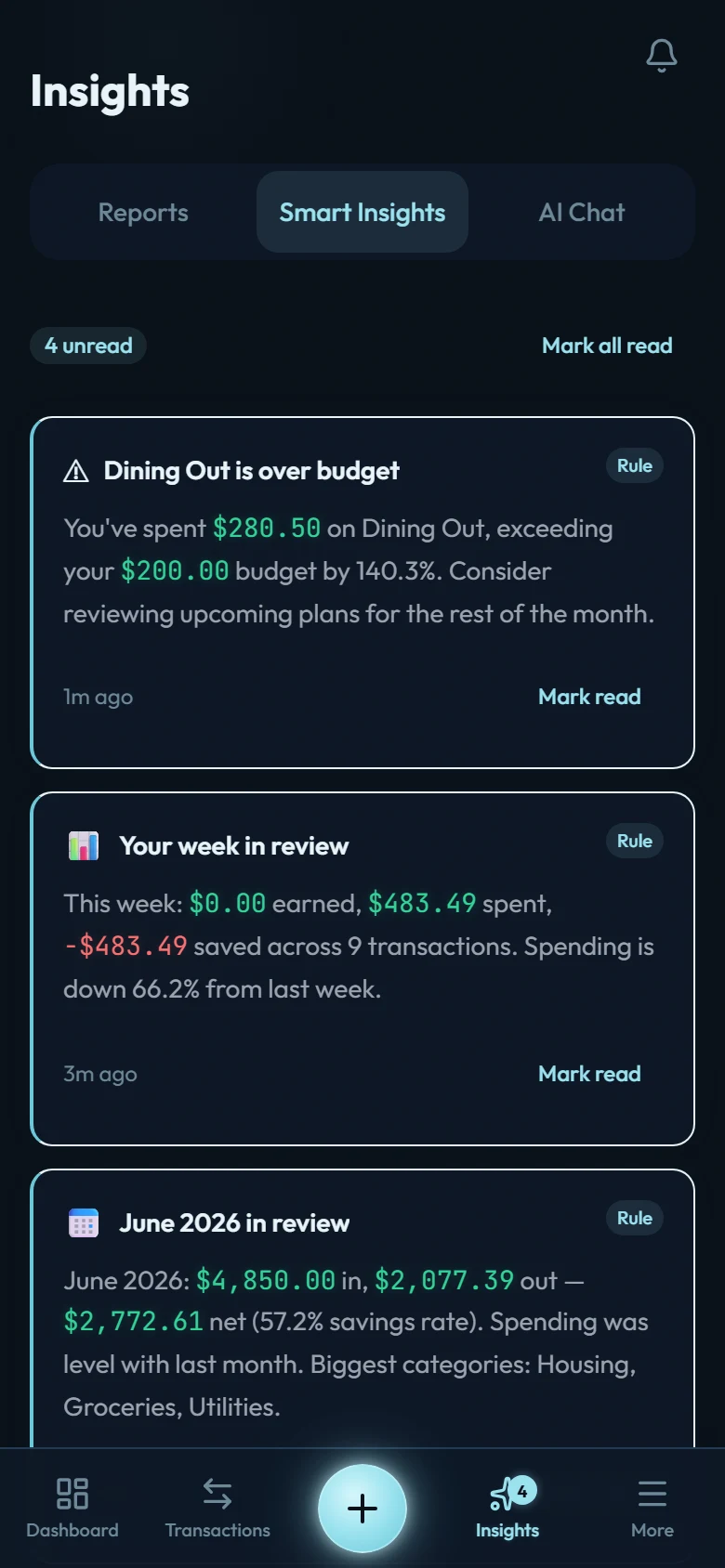
Smart Insights are short observations about your money that appear under Insights → Smart Insights. Every one is computed from your actual data by a deterministic rule. The Rule chip on each card is a promise: this is arithmetic on your entries, not an AI's opinion.
The insight family
- Your week in review: each week's earned/spent/saved with a comparison to the week before.
- Month in review: lands at the start of each month with income, expenses, net, savings rate, and your top spending categories for the month just closed.
- Budget alerts: fire when a budget crosses 80% and again at 100%, early enough to steer. (See Budgets, two ways.)
- Recurring commitments: when the monthly weight of your active recurring rules shifts meaningfully, the change is named. Subscription creep is the classic silent leak.
- Loan interest: on the 1st of the month, what interest cost you across your loans last month and year-to-date. The number banks prefer you not to compute.
- Card cycle: when a credit-card statement closes, the payable and its due date. (See How credit card accounts work.)
Reading and clearing
New insights carry an unread badge on the Insights tab. Mark read clears one; Mark all read clears the stack. Insights are informational. Nothing here requires action to keep the app working.