The first week has one goal: make recording your money feel effortless. Everything else (budgets, goals, projections) builds on that habit.
1. Create your account
Sign up with your email at wealthmutant.com/register. The 7-day trial gives you full access to the whole app: no credit card, and nothing auto-charges when it ends. (The one paid-only feature is AI Chat, which switches on when you buy.)
2. Set up your first account
Onboarding gets you going with one everyday account, the bank or cash account you touch most. You enter its opening balance (what it holds right now); you don't need history, Wealth Mutant starts from today.
That's deliberate: the goal of day one is the habit, not a full setup. Once you're in, add the rest from Accounts: more bank accounts, credit cards, and loans (cards and loans have a couple of extra fields; see How credit card accounts work and How loan accounts work).
3. Record today's spending — that's the whole practice
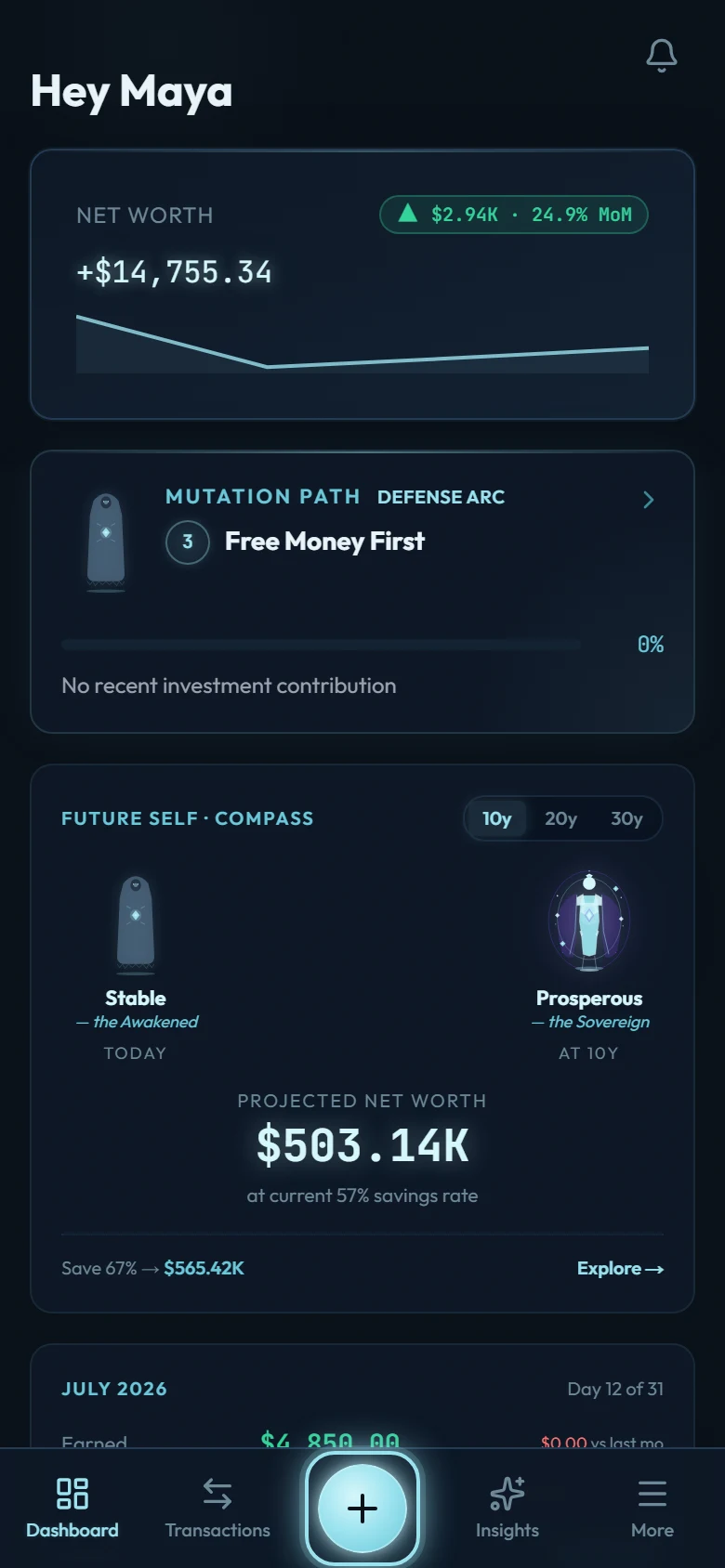
Tap the + button, enter the amount, pick a category, done. The form is built for speed: under 30 seconds per entry, a calculator inside the amount field, and bookmarks for the purchases you repeat.
Don't aim for perfection. Aim for today. Record what you remember, skip what you don't, and come back tomorrow.
4. Watch Level 1 complete itself
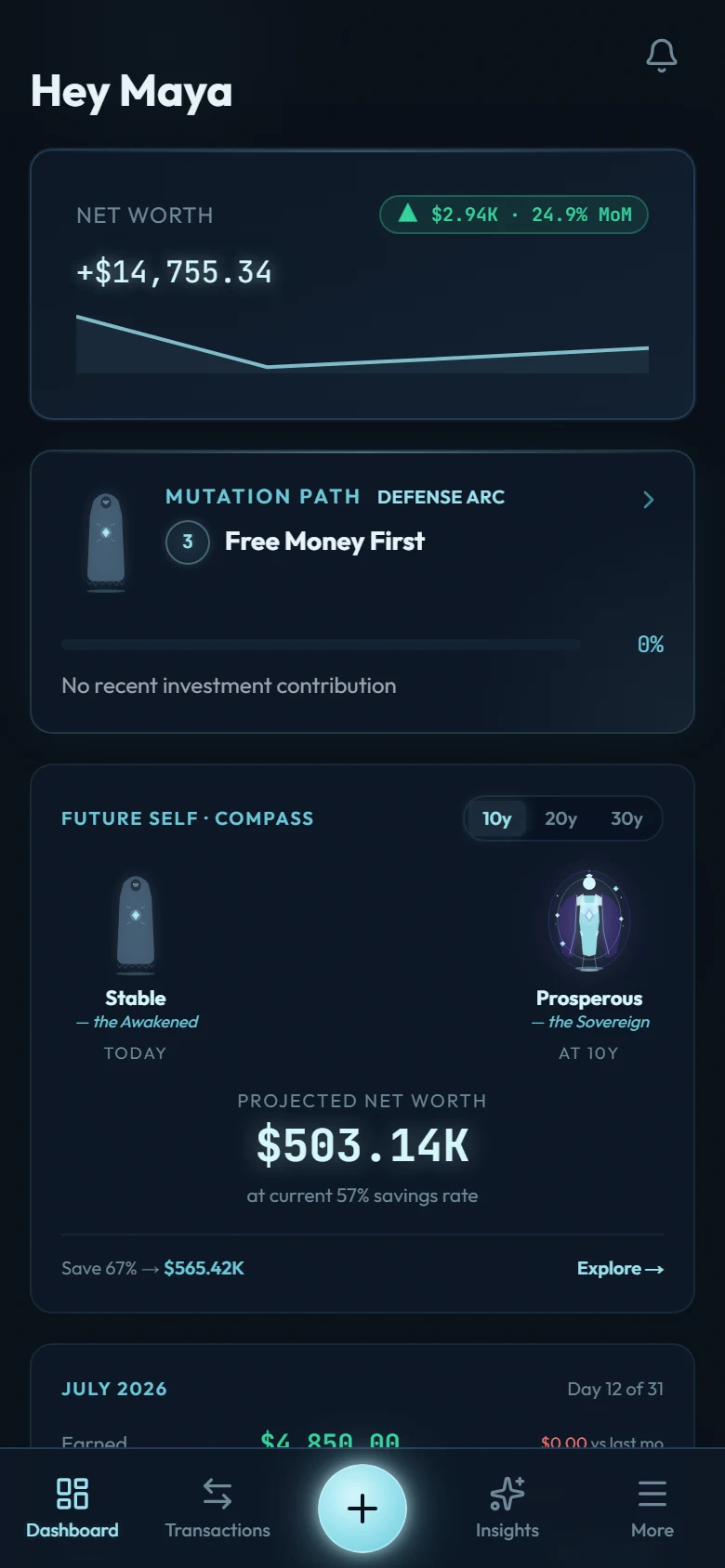
The Mutation Path is Wealth Mutant's 9-level progression, and Level 1 has exactly one requirement: save 5 transactions. Typed in as you go or brought over from your old app, both count. There is no deadline and no streak, so missing a day resets nothing. With normal use, Level 1 completes itself in your first few days.
What to explore once the habit sticks
- Set up recurring transactions for rent, salary, and subscriptions. They enter themselves.
- Create your first budget after a week or two of data (budgets built on real numbers stick better than aspirational ones).
- Moving from another app? The template workbook brings your whole history in one import.